Shark Fixing Control Panel Coloring Page
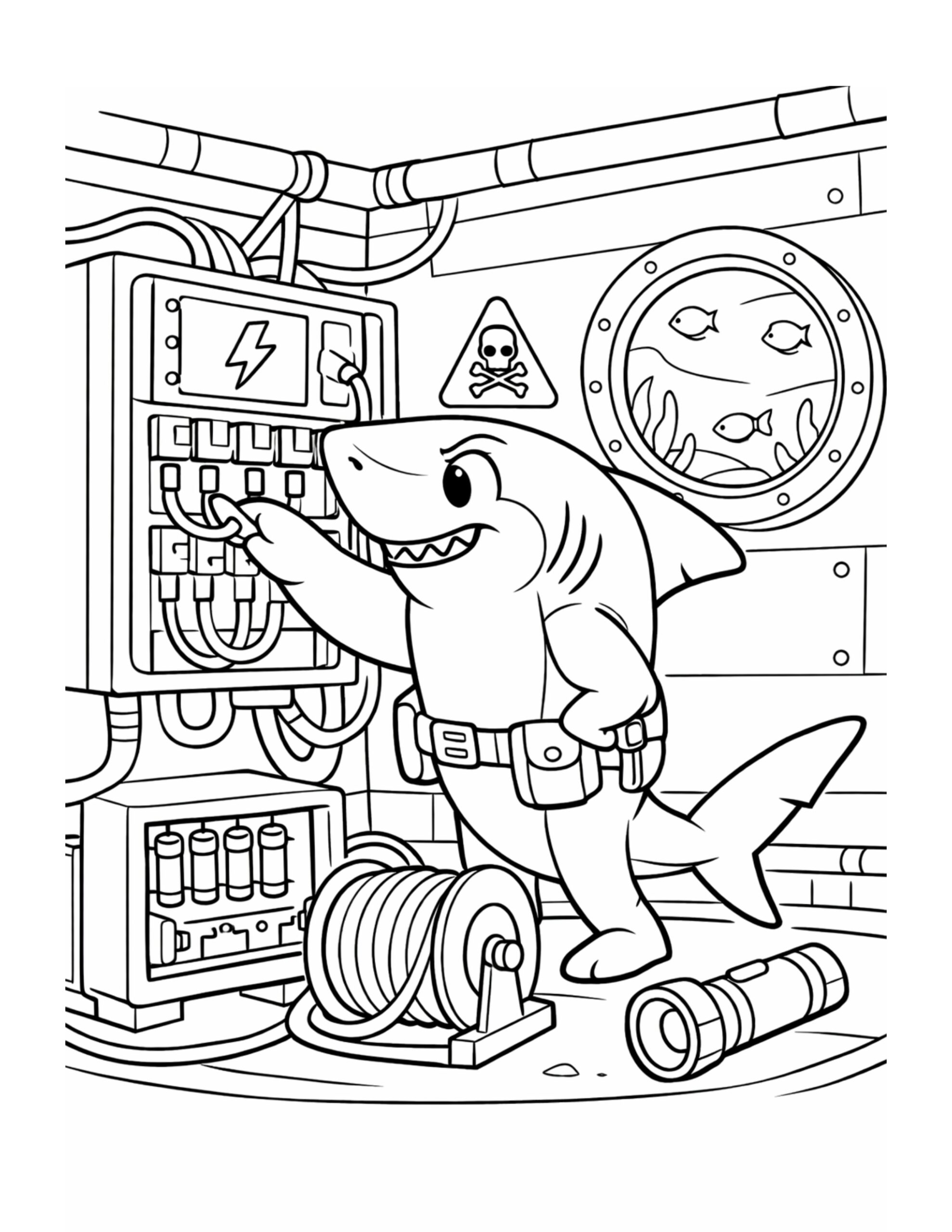
How this coloring page was created
For this page, we entered the concept: “shark fixing control panel coloring page” on Colorin AI and generated a print ready coloring page in seconds. Then we added technical and adventurous details to make the scene feel more alive, all in just a few minutes. You can follow the same process to create your own coloring pages, or build full coloring books without any design skills. For more creative inspiration, explore our ideas on Pinterest.
Coloring Ideas and Techniques
To start, shades of blue or gray work well for the shark and help keep the underwater feeling consistent. Meanwhile, the control panel can be colored with bright reds, yellows, or greens to highlight the buttons and switches. Additionally, using darker tones on the cables adds depth and contrast to the scene. Colored pencils are great for precise areas, while markers can make the mechanical elements stand out more clearly.
Benefits of This Coloring Activity
This coloring activity supports creativity by encouraging imaginative storytelling around the shark’s task. At the same time, filling small mechanical details helps improve fine motor skills and hand coordination. Because the scene is busy but structured, it also helps strengthen concentration and attention to detail. Furthermore, focusing on repetitive shapes and lines can feel calming and satisfying. Overall, this page combines fun, focus, and creativity in a balanced way.
Browse more Shark Coloring Pages
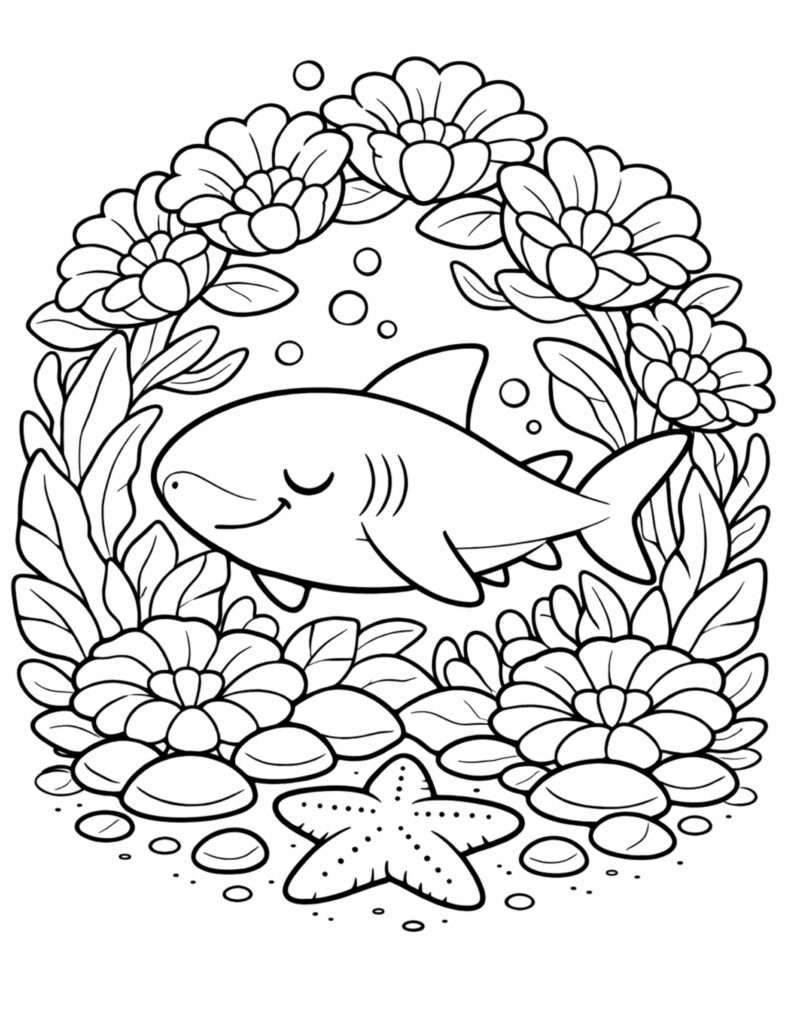
Sleeping Shark in Flower Garden Coloring Page
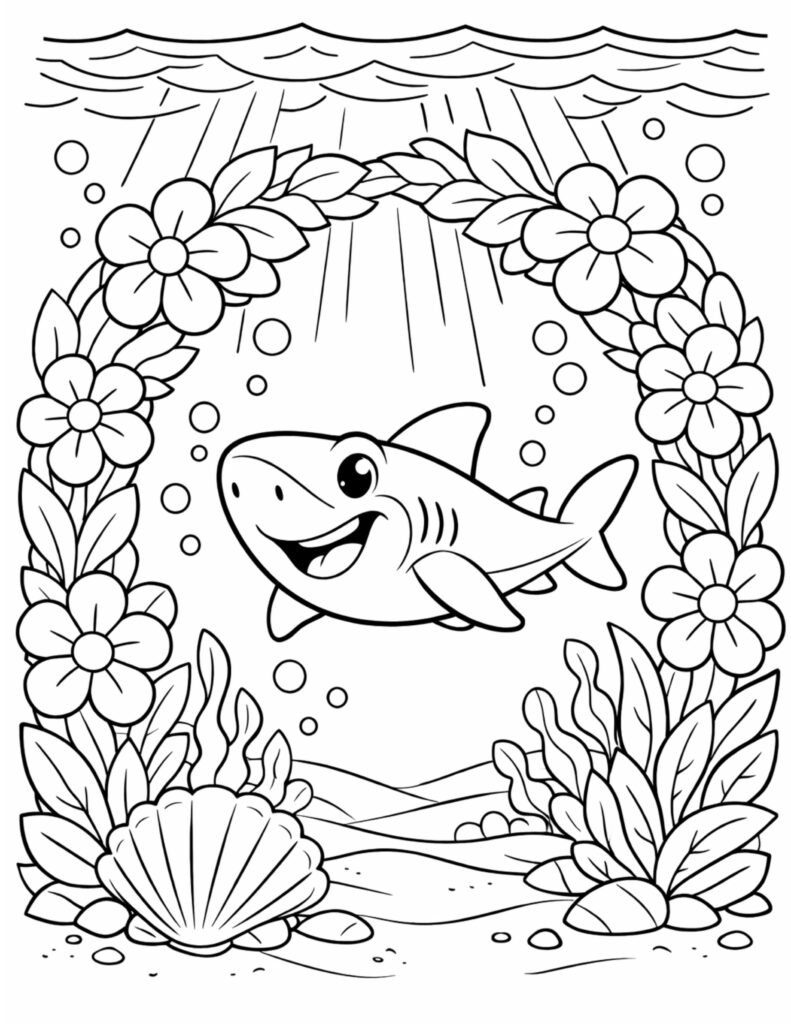
Happy Shark in Flower Frame Coloring Page
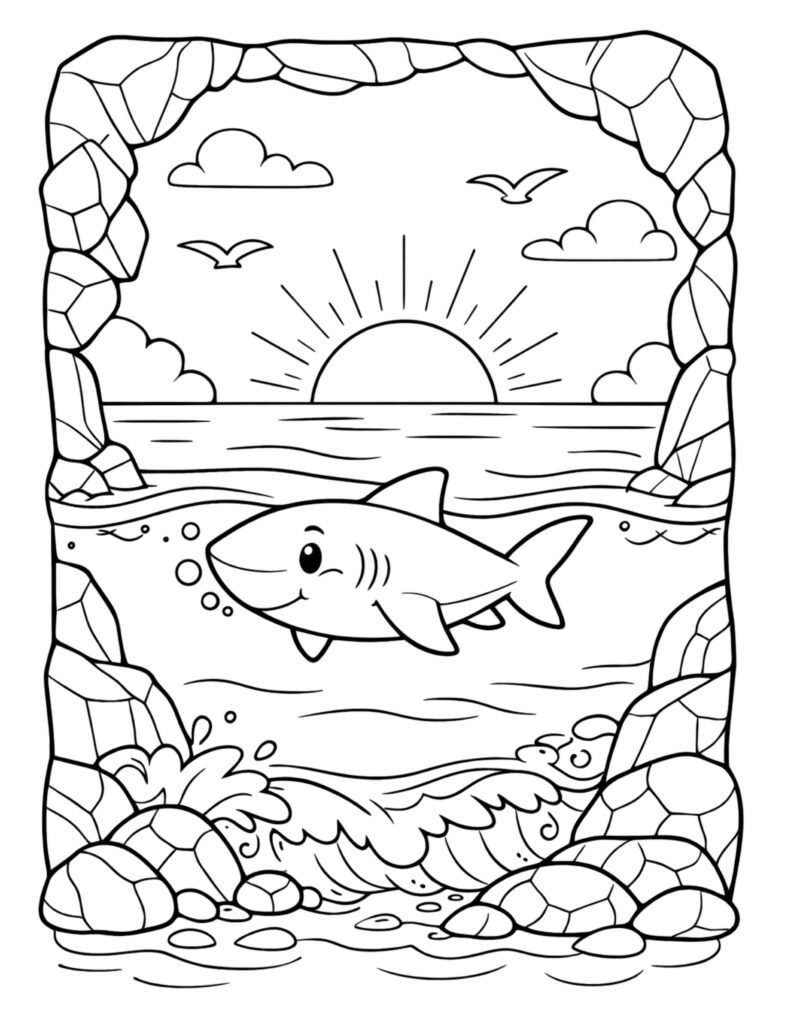
Smiling Shark Swimming at Sunset Coloring Page
Discover More Shark Coloring Pages
Sleeping Shark in Flower Garden Coloring Page
Happy Shark in Flower Frame Coloring Page
Smiling Shark Swimming at Sunset Coloring Page
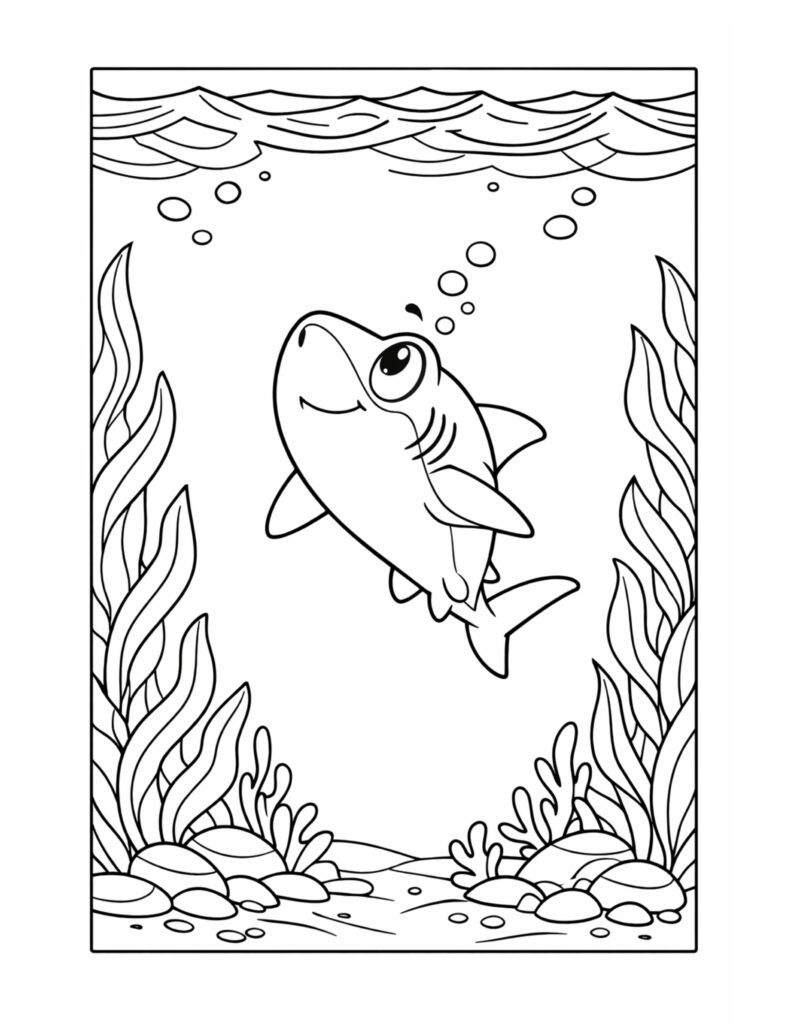
Smiling Shark Swimming Underwater Coloring Page
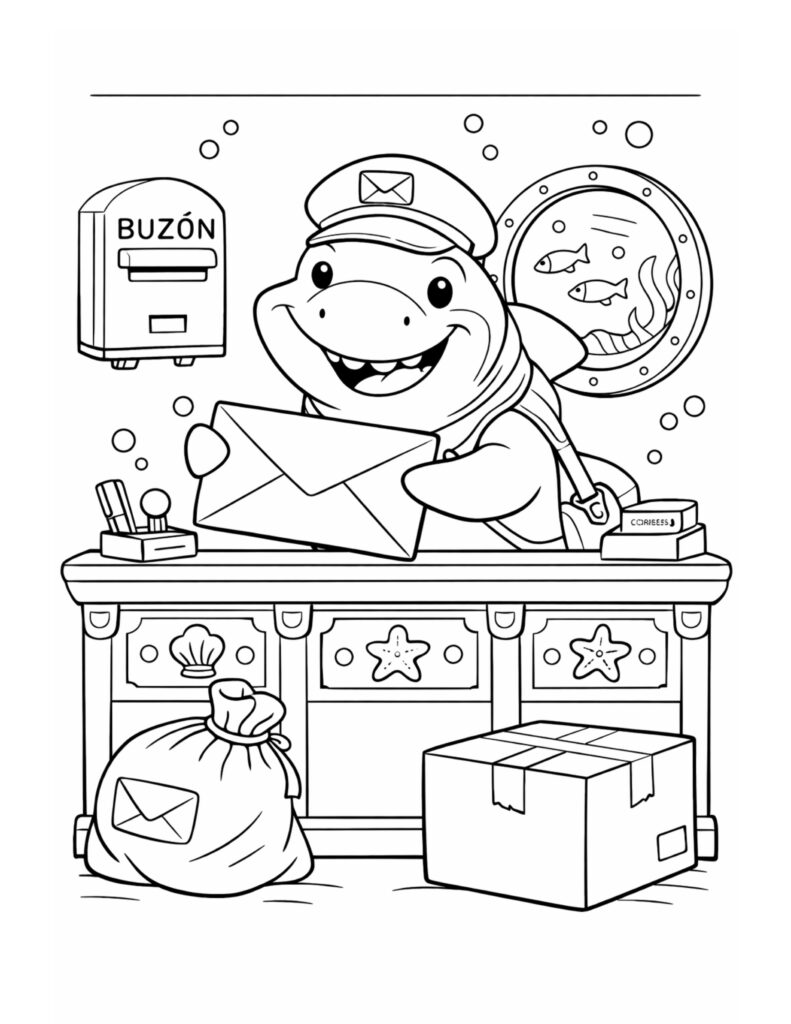
Shark Holding a Letter Coloring Page
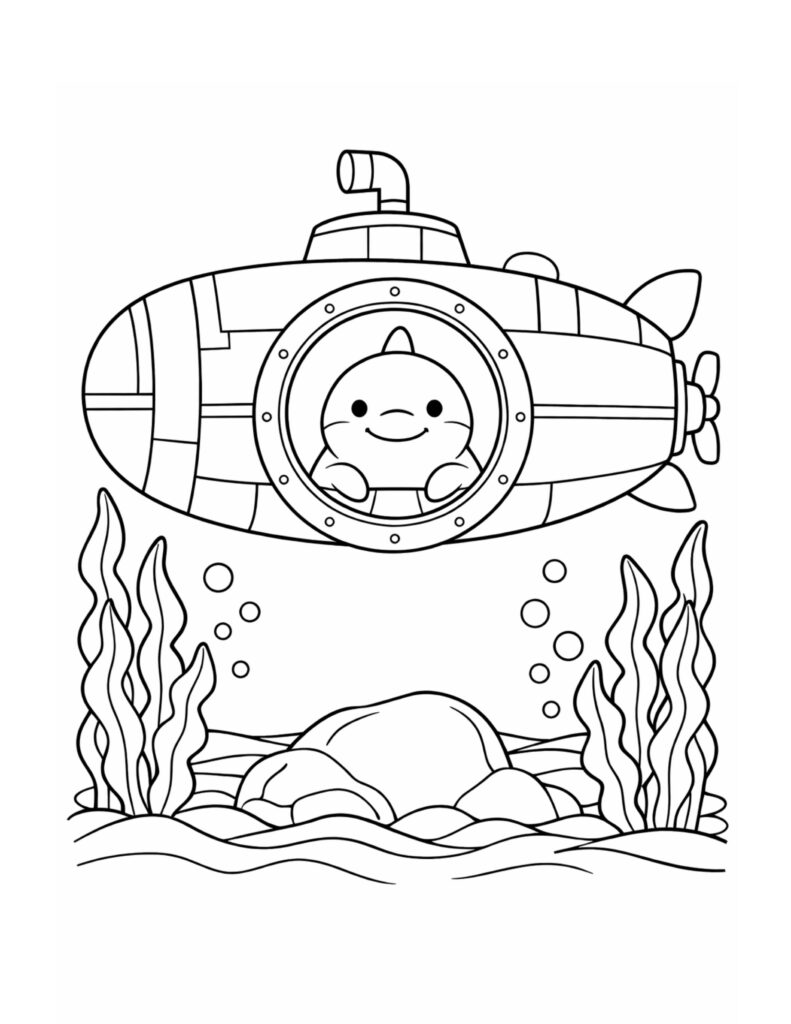
Shark in a Submarine Porthole Coloring Page
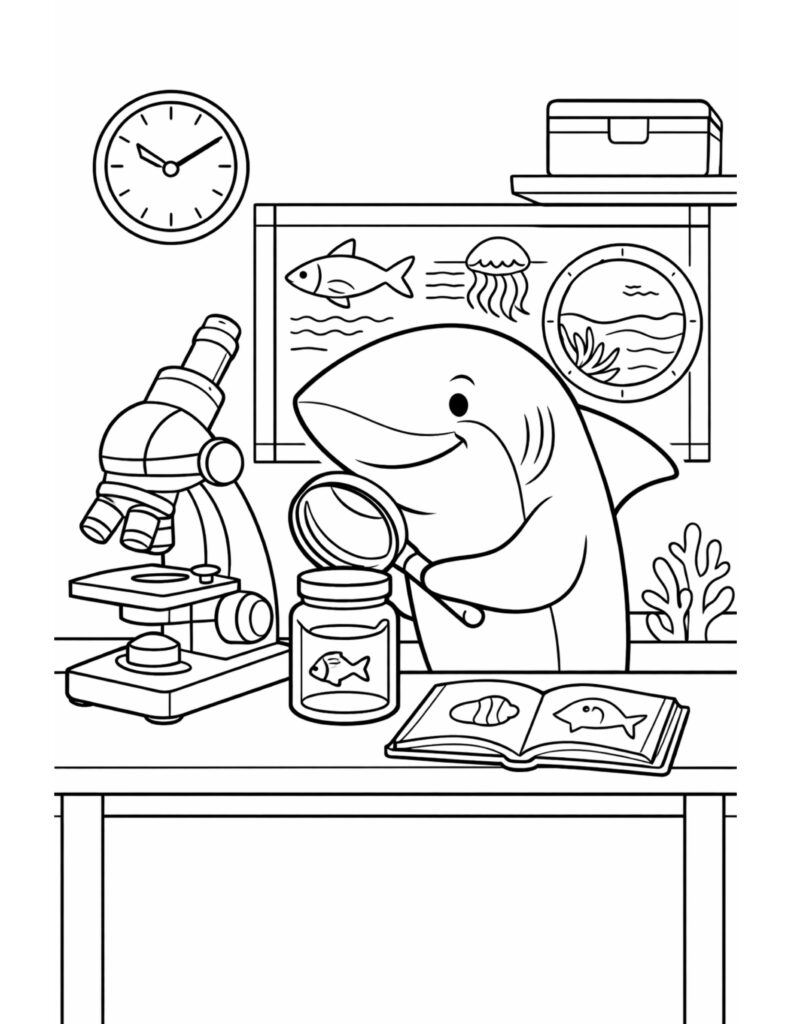
Shark Studying Sea Specimens Coloring Page